Introduction: Moving Beyond Silos and Legacy Systems
Here's a number that should make any CTO wince: 83% of IT leaders say integration challenges are slowing their progress. Not budget. Not talent. Integration.
You probably know the feeling. Finance runs on one system, sales on another, and the warehouse on a third that someone built in 2009 and nobody dares touch. Every month-end turns into a scavenger hunt through spreadsheets. Reports don't match. Someone asks which number is right, and the room goes quiet.
It gets worse as you grow. Another Fivetran study found that 68% of organizations pull from at least 50 different data sources when making decisions. Fifty. That's a lot of places for the truth to get lost.
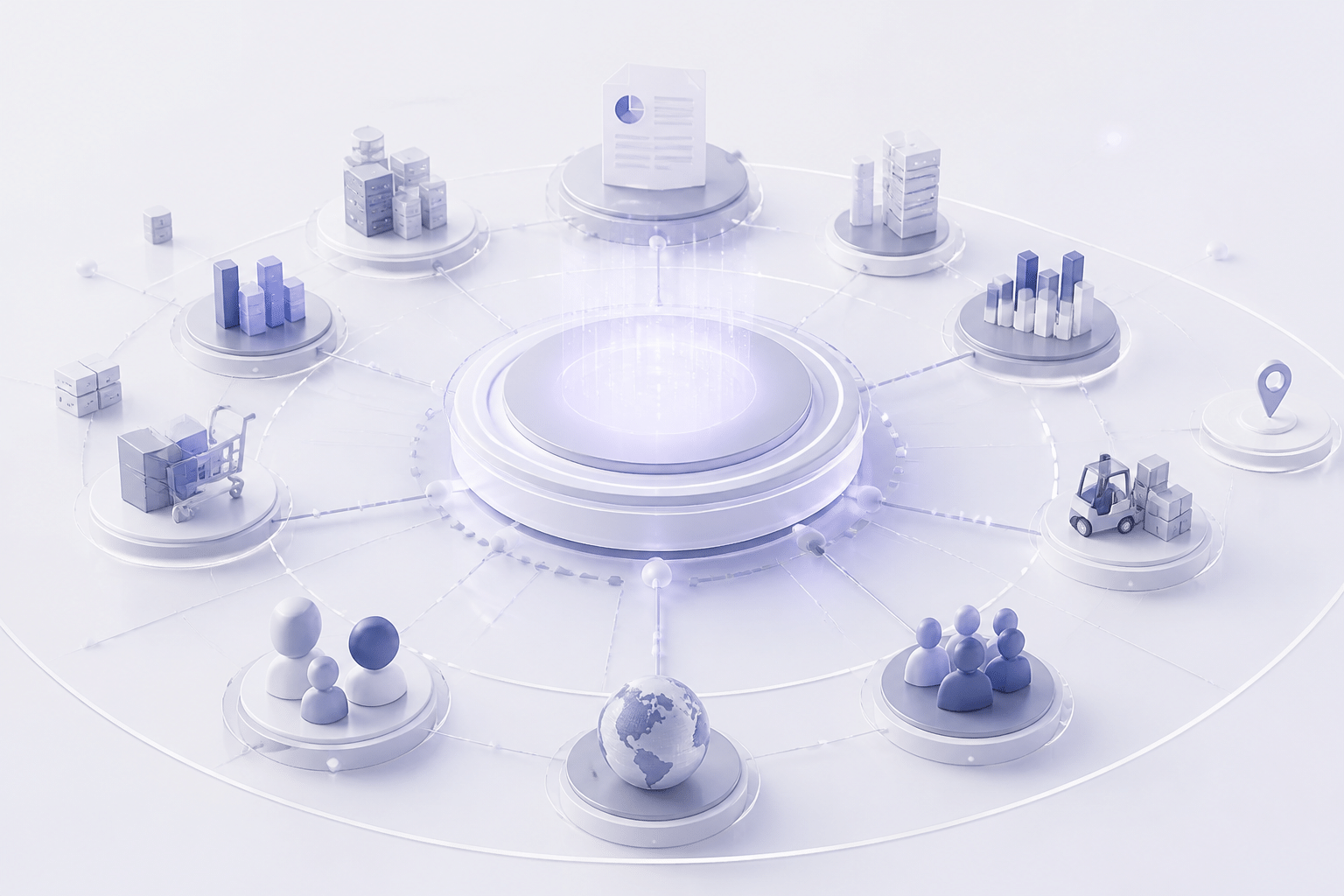
So where does erp software fit in? Many leaders still see it as a big, boring back-office tool. I'd argue that's the wrong frame. Enterprise resource planning, done well, is more like a business transformation engine. It pulls scattered data into one shared foundation, so your teams, your processes, and eventually your AI plans all run on the same facts.
That's the idea behind this guide. We'll explain what ERP actually is, why it matters for growth, and how to approach it from a leadership seat instead of an IT ticket queue. If your legacy systems are holding you back, you're in the right place.
What is ERP Software? A Strategic Overview for Technology Leaders
The Plain-English Definition
Let's keep this simple. Enterprise resource planning is one connected system that runs your core business processes in real time. Finance, HR, purchasing, inventory, manufacturing, distribution. All of it.
Gartner describes ERP as the ability to deliver an integrated suite of business applications that share a common process and data model. That last bit matters most. It means "customer," "product," and "invoice" mean the same thing in every department.
So if someone asks you "what is an ERP system," here's my short answer: it's the system of record for how your company actually operates.
One Source of Truth, Many Departments
A single source of truth is just one answer to one question. Not three answers that almost match.
When sales closes an order, the warehouse sees it. Finance can bill it. Procurement knows what to reorder. Nobody retypes anything. Oracle puts it as eliminating duplication and supporting a single source of truth, which is exactly the point.
Here's what that looks like day to day:
Finance closes the month without chasing spreadsheets.
HR sees headcount and payroll data that matches what finance sees.
Supply chain teams watch stock levels move as orders come in.
Leaders pull one report and trust it (wild, right?).
ERP vs. a Pile of Standalone Tools
Now, you might say, "We already have accounting software, a CRM, and an inventory tool." Fair. Plenty of companies run exactly that way.
But separate tools only talk to each other if someone builds and maintains the bridges. Those bridges break. People fill the gaps with exports and copy-paste. A 2025 case study of Algérienne des Eaux found that software systems that didn't communicate led to information silos, duplicate data entry, unreliable management indicators, and slow decisions.
Here's a quick before-and-after view:
Area | Siloed applications | Integrated ERP |
|---|---|---|
Data | Copied between tools by hand | Entered once, shared everywhere |
Reports | Numbers often disagree | One version of the numbers |
Month-end close | Spreadsheet scavenger hunt | Mostly automated |
Inventory visibility | Delayed, often a day or more | Real time |
Change or growth | Every new tool needs new bridges | Add modules on the same foundation |
Decision speed | Slow, people debate which number is right | Faster, everyone starts from the same facts |
That's the real difference. ERP isn't just "more software." It's a shared foundation, and next we'll look at the building blocks that sit on top of it.
The Core Modules of a Modern ERP System
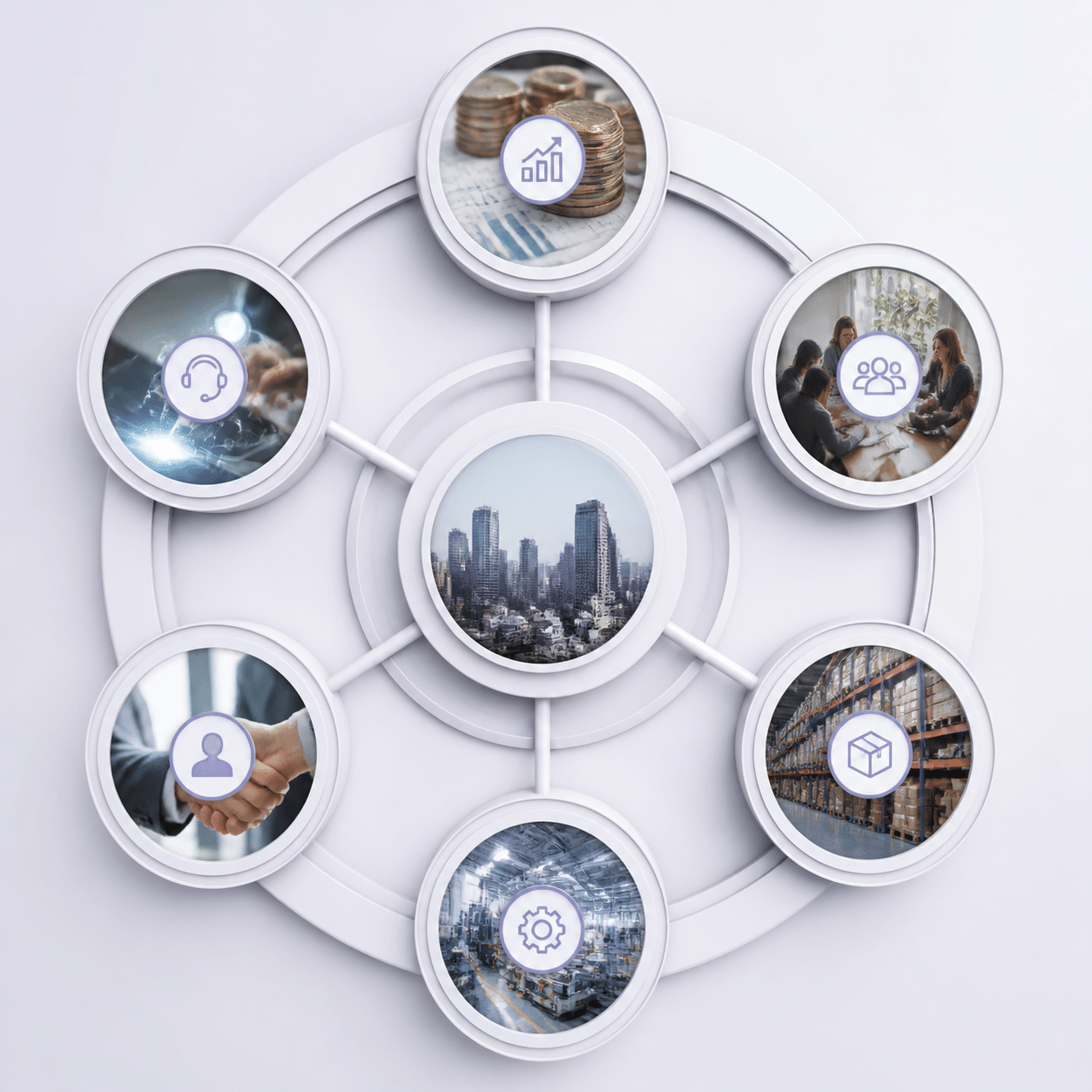
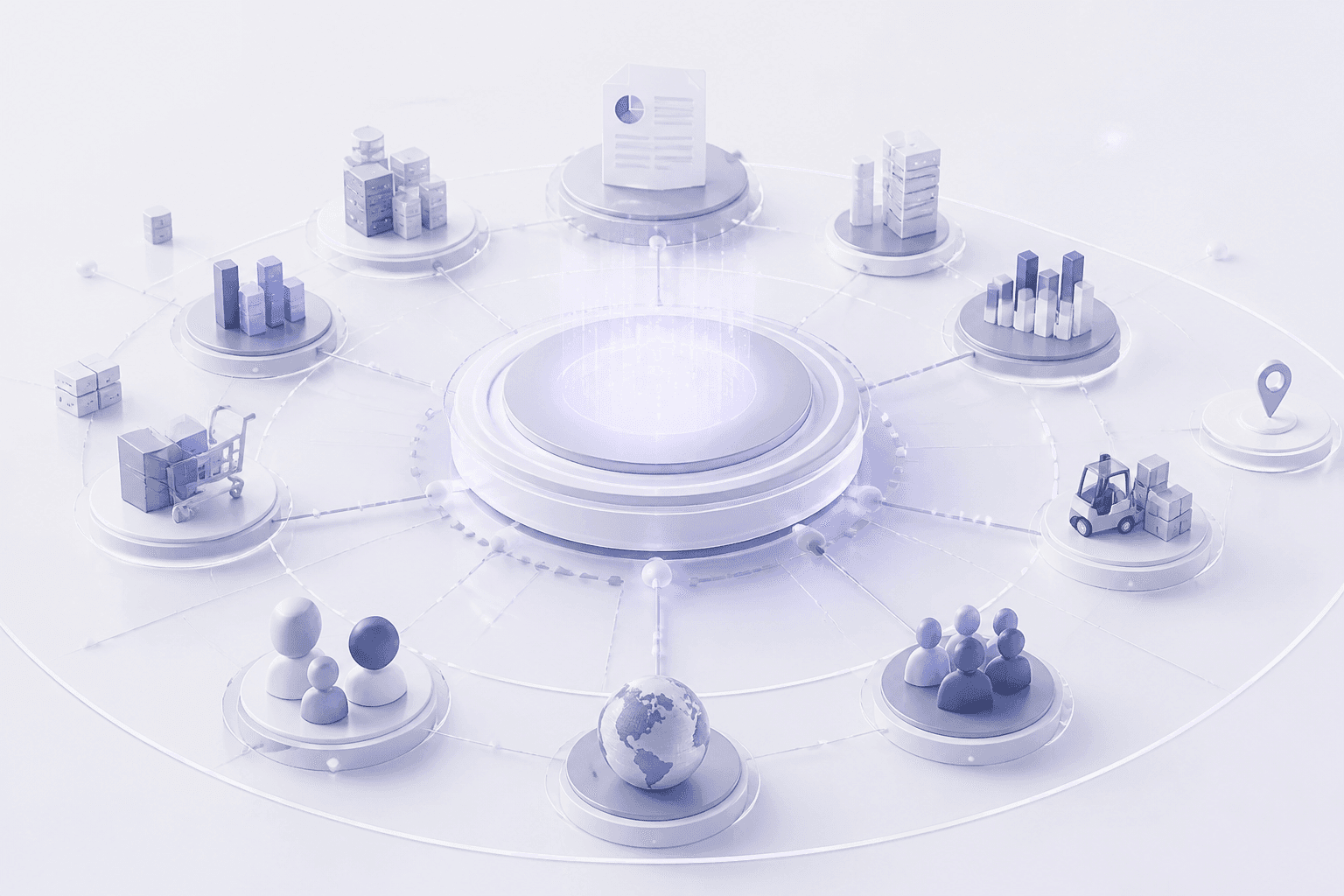
Picture a bicycle wheel. The hub sits in the middle, and the spokes reach out to the rim. In ERP, the shared database is the hub. Each module is a spoke. Pull one spoke out and the wheel still turns, but the whole thing works best when they're all connected.
So what are the spokes? Let's walk through them.
The Five Building Blocks
Most ERP platforms are built around the same core set of modules. Names change from vendor to vendor, but the jobs stay pretty similar.
Module | What it does | What it shares with others |
|---|---|---|
Finance & Accounting | General ledger, payables, receivables, budgets, month-end close | Invoices, payments, cost data |
Human Resources | Payroll, hiring, time tracking, benefits | Headcount, labor costs |
Supply Chain Management (SCM) | Purchasing, inventory, warehousing, shipping | Stock levels, supplier orders |
Customer Relationship Management (CRM) | Leads, quotes, orders, customer history | Sales orders, customer records |
Manufacturing & Operations | Production planning, scheduling, quality, maintenance | Material needs, finished goods |
Finance is usually the anchor. One market analysis estimates that finance and accounting modules make up nearly 34% of total ERP usage-software-market). That makes sense. Every other module eventually produces a number that lands in the books.
HR feeds labor costs into finance. SCM keeps the right items on the shelf. CRM tracks who's buying what. Manufacturing turns raw materials into products and tells everyone else when they'll be ready.
How the Modules Talk to Each Other
Here's where it gets fun. A single sales order can set off a whole chain of events, with nobody typing a thing twice.
A rep closes a deal in CRM.
Inventory checks stock and reserves the items.
If stock is low, SCM drafts a purchase order, and manufacturing schedules a production run.
The warehouse picks, packs, and ships.
Finance creates the invoice and tracks the payment.
That's five steps, five teams, one data trail. A 2024 study of U.S. retail ERP use found that order-processing time fell by 25% after implementation, partly because of this kind of automation. Not magic. Just fewer handoffs.
Start Small, Then Add Modules
You don't have to switch everything on at once. Actually, please don't. Modularity means you can begin with the pieces that hurt most, usually finance and inventory, and bolt on more later. Everything sits on the same foundation, so new modules plug in instead of needing fresh bridges.
Telesis, Inc. is a good example. It ran five different businesses, from data security to a brewery, on disconnected software that caused duplicate entry and errors. After moving to Acumatica, it reported revenue growth from $14 million to $21 million within three years. That's a company-reported result, so take it as one story and not a promise.
Industry add-ons follow the same logic. Panorama Consulting's 2025 report found web commerce was significantly deployed by 59.9% of surveyed organizations, which shows how companies layer on what their business needs. Some mid-sized firms even go with custom ERP solutions, and Buildera builds and modernizes systems like these when off-the-shelf options don't fit.
So the modules are the what. Next up is the why: the specific growth pains an ERP can fix.
Solving Key Growth Pains: Why Your Business Needs an ERP

Knowing what ERP is only gets you halfway. The real question is what it fixes. Let's look at the pains that tend to show up as a company grows, and how the benefits of ERP map onto each one.
Breaking Down Silos and Speeding Up Decisions
Silos aren't just annoying. They're expensive. In manufacturing, one 2025 survey from Columbus found that 56% of respondents named system integration as a top IT obstacle, with legacy systems and multiple ERP platforms feeding the mess.
An integrated ERP attacks that head on. Data lands once, in one place. Dashboards update as orders, payments and stock levels change, so you're not waiting for someone to stitch together last week's exports. Leaders get answers while there's still time to act on them.
Automation does the rest of the heavy lifting. Approvals route themselves. Invoices match to purchase orders. People stop retyping and start thinking.
Here's a case worth a look. Velocity Supply Solutions, a mid-sized B2B distributor, pulled quoting, pricing, inventory and orders into one system. Its published case study reports:
50% faster processes, 80% fewer manual errors and 25% more repeat orders.
Those are company-reported numbers, so treat them as one example, not a guarantee. Still, they show what happens when handoffs disappear.
Quick recap of the day-to-day wins:
One set of numbers that finance, sales and operations all trust
Real-time reporting instead of month-end archaeology
Fewer manual steps, which means fewer typos
Faster answers when the board asks "why?"
Room to Grow Without Legacy Drag
Growth exposes weak foundations. New market, new warehouse, new product line. Each one adds strain if your systems can't keep up.
This is where ERP for mid-sized companies really earns its keep. Because modules share one foundation, you can add a new entity, currency or location without building another round of bridges. Cloud ERP solutions make that even easier, since capacity scales up with you.
Legacy tech does the opposite. Ensono's 2025 research found 43% of organizations struggle to connect legacy systems with newer tools, and 42% struggle to adopt automation and AI. That's the quiet cost of waiting. Every year you delay, the gap gets wider.
Sometimes the answer is a full replacement. Other times it's legacy system modernization, where you update what works and replace what doesn't. Buildera helps teams weigh those options, including custom ERP solutions when standard packages don't match how the business runs.
Security and Compliance in One Place
If you're a CTO, this is probably the part that keeps you up at night. ABI Research's 2025 interviews with enterprise IT leaders named security and compliance, integration complexity and performance limits as repeat modernization headaches.
A modern ERP helps because controls live in one spot. Role-based access, approval workflows, segregation of duties and audit trails apply across finance, HR and purchasing, instead of being rebuilt in ten different tools. One 2025 analysis of cloud ERP security points to GDPR, HIPAA, SOC 2 and ISO 27001 as the frameworks that shape how these systems get built.
One honest caveat: ERP doesn't make you compliant on its own. It gives you the controls and the paper trail. Your team still has to configure them well and govern them over time.
So the pains are clear. Next, we'll look at the deployment choices that shape how you solve them.
Types of ERP Solutions: Cloud, On-Premise, and Hybrid Models
You've decided ERP makes sense. Great. Now comes a question that trips up a lot of leadership teams: where should the thing actually live?
There are three main answers. Your own servers, the vendor's cloud, or a mix of both. Each one fits a different kind of company, so let's go through them one by one.
On-Premise ERP: Maximum Control, Maximum Responsibility
On-premise ERP runs on servers you own and manage. You buy the licenses, you house the hardware, and your IT team keeps it all patched and backed up.
The upside is control. You decide when to upgrade, how deeply to customize, and exactly where your data sits. That matters for companies with strict data-residency rules or heavily modified legacy processes.
The downside? Money and people. Upfront costs are higher (licenses, servers, storage, implementation), and you need staff who can run it. Upgrades are also on your calendar and your budget, not the vendor's.
Cloud ERP: Subscription, Speed, and Less Hardware
Cloud ERP, often called SaaS, is hosted by the vendor. You pay a subscription, log in through a browser, and the vendor handles servers, updates and uptime.
That's why so many cloud ERP solutions appeal to ERP for mid-sized companies with lean IT teams. Initial costs are lower, and adding users or locations is usually quick. One 2025 market estimate puts cloud at roughly 55.7% of the global ERP market, growing at about 17.4% a year, versus 2.3% for on-premise.
There's a catch, though. Subscriptions never stop. A vendor benchmark on cloud and on-premise pricing is worth reading before you sign, because annual price increases can eat into early savings. In years one to three, cloud usually wins on cost. By years four to six, the gap can narrow. Not always, but often enough to model it.
Hybrid ERP: Keeping Some Things Close
Hybrid ERP combines both. Maybe your core financials stay on local servers because of compliance rules, while analytics, customer portals or a regional subsidiary run in the cloud.
It's also a handy path for legacy system modernization. You don't have to rip everything out on day one. Move one module, test it, then move the next. Buildera often sees teams use this phased approach when a big-bang switch feels too risky.
The trade-off is complexity. Two environments mean more integration work and more to govern.
Side-by-Side: Which Model Fits?
Here's a quick comparison to help you weigh the options:
Feature | Cloud ERP | On-Premise ERP | Hybrid ERP |
|---|---|---|---|
Upfront cost | Lower (subscription, setup) | Higher (licenses, hardware) | Medium, depends on the split |
Long-term cost | Subscription grows over time, watch price increases | Maintenance, staff and upgrades add up | Mixed, two sets of costs |
Scalability | Fast, vendor adds capacity | Slower, needs new hardware | Cloud parts scale quickly, local parts don't |
Security control | Vendor-managed, check certifications | Full control, full responsibility | Sensitive data local, rest in cloud |
Maintenance | Vendor handles updates | Your IT team handles everything | Shared between you and the vendor |
Implementation speed | Usually faster | Usually slower | Depends on how many pieces move |
Best fit | Lean IT, fast growth | Strict control, heavy customization | Phased modernization, split compliance needs |
No model is "best." The right one depends on your IT capacity, rules, budget and growth plans. Once you've picked a direction, the next step is planning how to roll it out.
The ERP Implementation Lifecycle: A Strategic Roadmap for Success
Picking the software is the fun part. Getting it live is where projects either shine or stall. For a mid-sized company, a realistic timeline runs about 8 to 14 months, and multi-site setups can take longer. So let's walk the road in order.
The Six Phases, Start to Finish
Think of it as a relay race. Each phase hands the baton to the next, and dropping it early costs you later.
Phase | What happens | Rough time |
|---|---|---|
1. Discovery & planning | Set goals, map current processes, pick baseline numbers (like days to close the books) | 1 to 3 months, shared with phase 2 |
2. Vendor/software selection | Score vendors against your requirements, deployment needs and budget | See above |
3. Design & configuration | Set up workflows, roles and approvals | 2 to 4 months |
4. Data migration | Clean, map and load legacy data, build integrations | 2 to 4 months |
5. Testing & training | Run real scenarios, teach people their new daily tools | 1 to 2 months |
6. Go-live & stabilization | Cut over, fix surprises, watch closely | 1 to 3 months |
These overlap in real life. Treat the numbers as a starting guess, not a promise.
A few quick notes. In discovery, write down what "success" means in numbers before anyone demos software. In design, configure the standard way first and customize only where your process truly sets you apart. Over-customizing makes upgrades painful later.
Data Migration: The Step People Underrate
Here's the thing nobody puts on the slide. Old data is messy. Duplicate customers, dead product codes, addresses typed three different ways.
Migrating it isn't an IT copy-paste job. It's a business-quality project. One migration guide recommends at least two full test migrations before cutover, and that's about right. Your basic checklist:
Name a business owner for each data type (customers, suppliers, products)
Clean the data before you move it, not during cutover weekend
Document how every old field maps to the new one
Compare record counts and financial totals after each test load
Skip this and you'll feel it on day one of go-live.
Pitfalls That Sink Good Projects
Most failures aren't about the software. Prosci's research found that human and organizational factors mattered six times more than technical ones for ERP benefits. That should change where you spend your attention.
Watch for these:
Weak executive buy-in. If leadership checks out after the contract, teams follow.
Fuzzy planning. Unclear goals lead to scope creep, delays and surprise costs.
Ignoring change management. People who weren't asked, trained or heard will find workarounds. Usually spreadsheets (the very thing you were escaping).
Thin training. One slideshow the week before launch doesn't count.
Why a Partner Makes the Difference
I'll be honest: plenty of internal IT teams can run parts of this. But few have done it ten times. An experienced partner brings a tested method, spots risks early, and keeps the project tied to business goals instead of feature wish lists.
That's where Buildera fits. Its team helps with requirements, architecture, legacy system modernization, custom integrations and the messy migration work, so your people can focus on running the business. Once the system is live, the next question is how far you can push it, and that's where we're headed.
The Future of ERP: Integrating AI, IoT, and Custom Solutions

Here's a thought that surprised me. Most ERP projects are judged on go-live day. But the real payoff often shows up a year or two later, when the system starts doing things nobody scripted on day one.
That's where things are heading. Your ERP core becomes the hub, and new spokes plug in around it.
Spoke | What it adds | Example use |
|---|---|---|
AI and machine learning | Predictions, automation, plain-language answers | Demand forecasts, invoice handling |
IoT | Live data from machines and devices | Asset tracking, stock alerts |
Custom apps and APIs | Tools built for your exact process | Portals, approvals, special workflows |
AI Is Moving Into the ERP Itself
AI isn't a side project anymore. Panorama Consulting's 2025 report found that 72.6% of organizations had deployed AI moderately or significantly, up from 53.4% the year before. That's a big jump.
What does it look like day to day? Think demand forecasting, automated invoice entry, predictive maintenance alerts, and the ability to ask your ERP a question in plain English. SAP's Joule assistant, for example, can look at supplier lead times and demand patterns to suggest better inventory levels.
One caution, though. Predictive analytics still lags simpler assistive AI by more than 10 percentage points in significant deployment. So most companies start with the easy stuff. Smart move.
And AI is only as good as your data. Bad records in, bad predictions out. (Remember that migration cleanup? It pays off here.)
IoT Feeds Your ERP Live Data
Now picture a sensor on a delivery truck, a pallet, or a packaging machine. Instead of someone typing in an update, the device sends it straight to the ERP.
For supply chain teams, that means stock counts that move as goods move. For asset managers, it means a machine can flag trouble before it breaks, and the ERP can schedule maintenance and order parts automatically. Less guessing. Fewer surprises.
I'll admit this part is still maturing for many mid-sized firms. You don't need sensors everywhere on day one. Pick one costly problem, like downtime on your busiest line, and start there.
Custom Development and APIs Make It Yours
Every business has a few processes that set it apart. Off-the-shelf software rarely covers those perfectly.
The smart fix isn't rewriting the ERP core. It's building around it. Modern ERP setups use APIs and webhooks to connect CRM, e-commerce, warehouse, banking and planning tools, so you can swap one piece without ripping out finance. Low-code tools can also add forms, mobile apps and approval flows without touching the ERP database. TechTarget's ERP trends coverage notes that AI can even speed up building narrow add-ons like dashboards and exception tools.
There's a catch. Loose, ungoverned add-ons can rebuild the same mess you escaped. Set API standards, security rules and clear ownership early.
This is where custom ERP solutions and legacy system modernization meet. Buildera works on exactly that kind of build, wiring AI, data and custom apps into the core so the ecosystem fits how you really run. Next, let's pull it all together.
Conclusion: ERP as the Foundation for Your Digital Transformation
So here's where we land. ERP software isn't a back-office chore. It's the shared foundation that pulls your finance, supply chain, HR and customer data into one story, so your teams stop arguing about numbers and start acting on them.
But it's also a big project. Not a quick install. The research we've covered says people and planning matter more than the tech, so the best results come from clear goals, clean data and a partner who has done it before. One more number worth keeping: 83% of organizations that ran a formal ROI analysis before launch, and used their ERP for at least a year, met or beat their ROI expectations. (That's reported through secondary sources, so double-check the original before you quote it in a board deck.)
Think of it as a journey. Go-live is the start of a trusted digital core, and the real gains show up as you keep improving your data, integrations and automation.
Is Your Business Ready for an ERP?
Take two minutes with this checklist. Be honest.
Question | If you said yes |
|---|---|
Do finance, sales and operations report different numbers? | You have a silo problem |
Does month-end close depend on spreadsheets? | Automation could save real time |
Are legacy systems blocking AI, cloud or new locations? | Legacy system modernization belongs on your roadmap |
Do you have goals you can measure, like days to close or stockouts? | You're ready to build a business case |
Does your process differ from what standard packages offer? | Custom ERP solutions may fit better |
Checked two or more? It's probably time to talk.
Your Next Step
Start by listing your current systems and where they don't talk to each other. Then get a second set of eyes. Buildera helps mid-sized companies and enterprises plan, modernize, and build ERP setups, from cloud ERP solutions to custom integrations. Book a consultation with Buildera and see what a modern ERP could fix for you.